Free Express Shipping • GST Included


Ledgebit Wi-Fi Smart Dimmer Switch

Download Product Manual
About the item
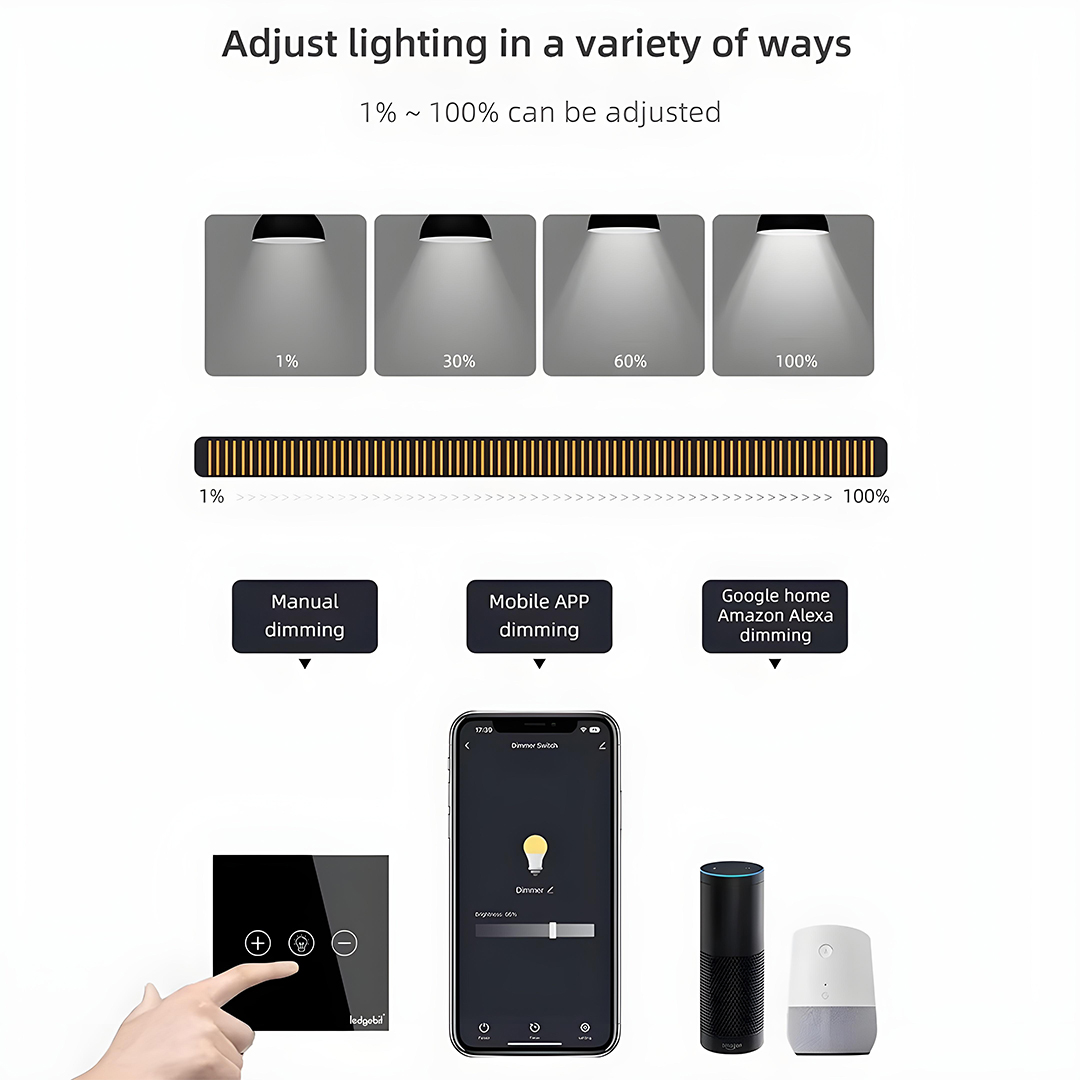
- Dimming Range – Adjustable brightness from 1% to 100% for precise light control
- WiFi Connectivity – Direct 2.4 GHz WiFi connection, no hub required
- Voice Control – Works seamlessly with Amazon Alexa and Google Assistant
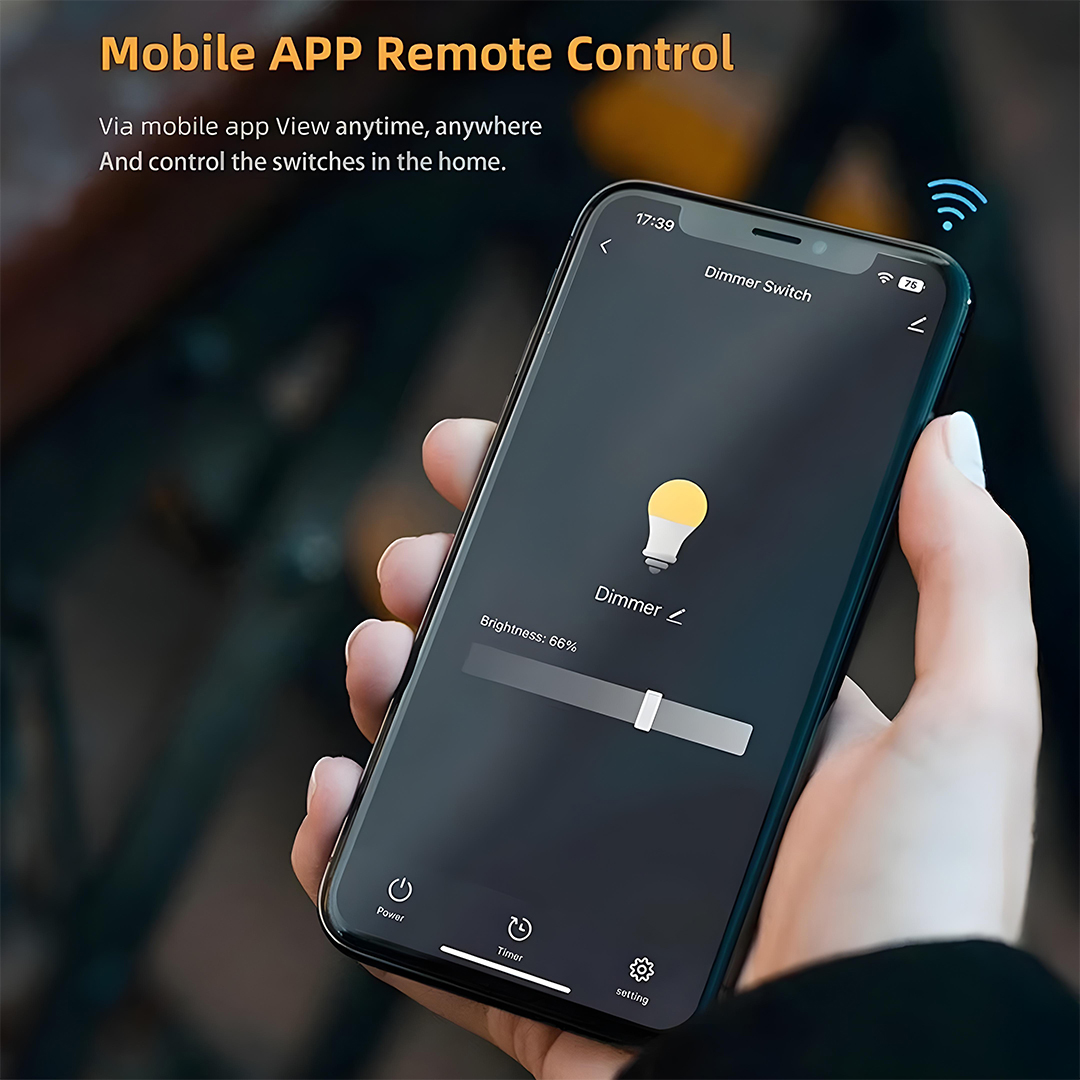
- App Remote Control – Manage lights from anywhere via Tuya / Smart Life mobile app
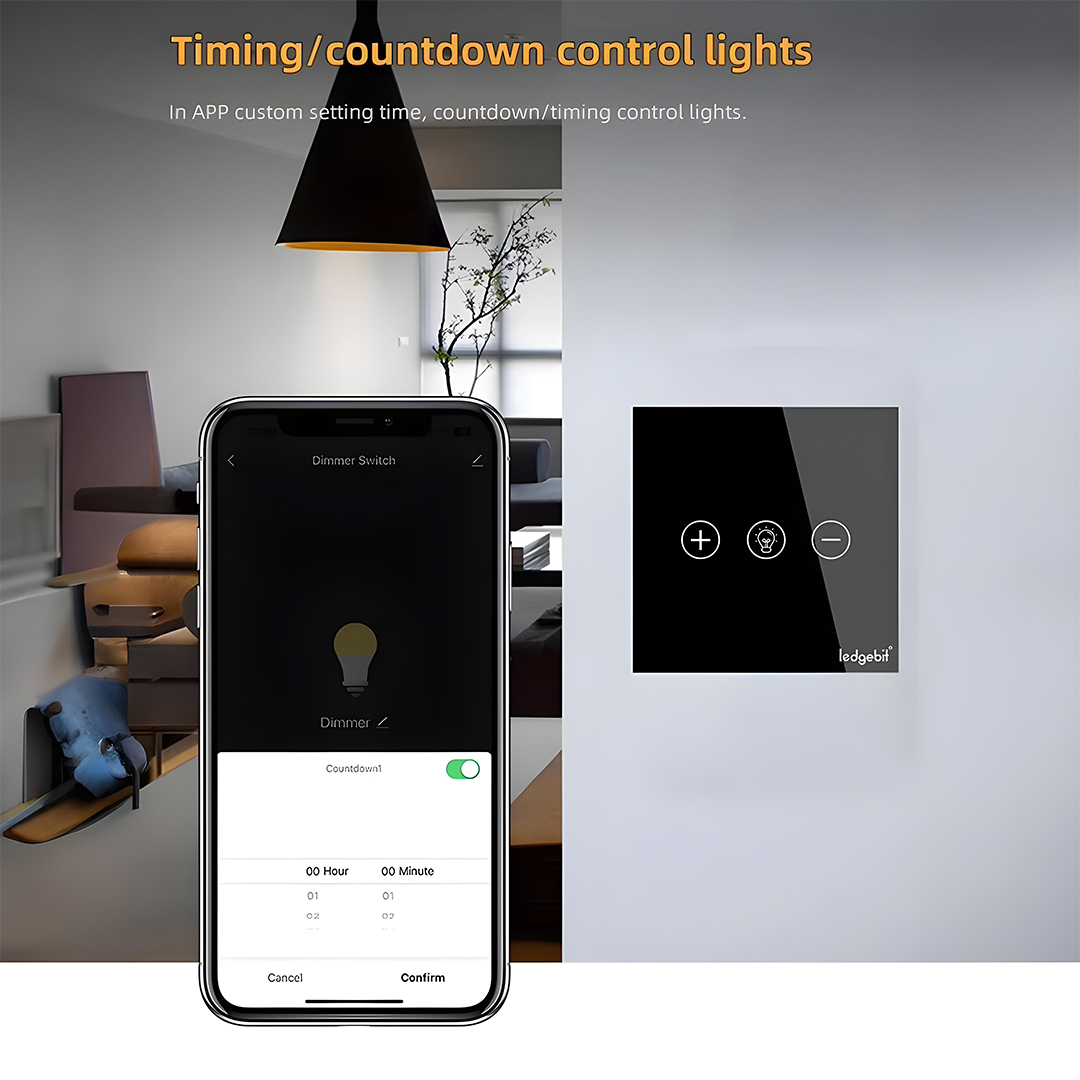
- Timer & Countdown – Set schedules or countdowns for automatic light control
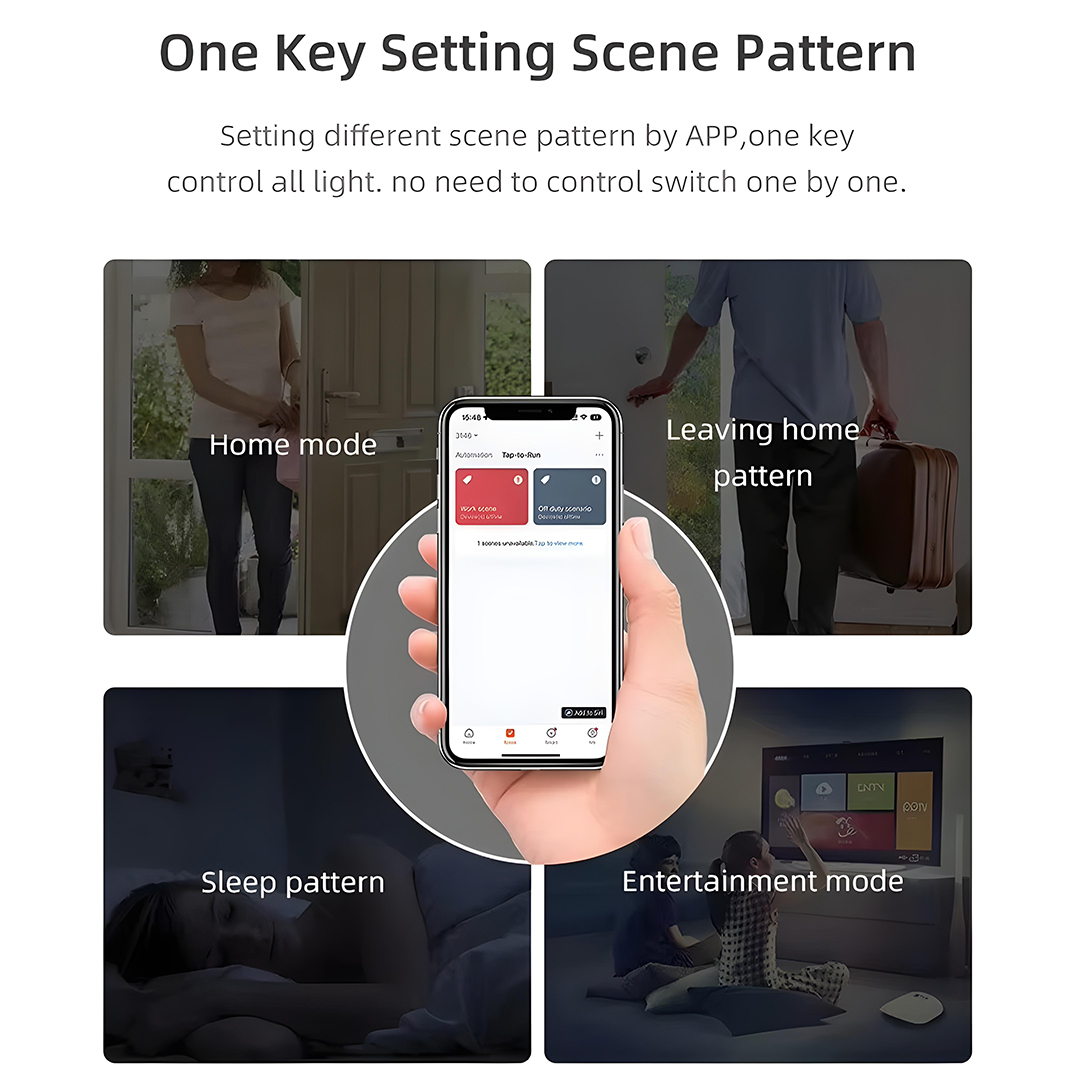
- Scene Modes – One-key scene patterns (Home, Sleep, Entertainment, Leaving Home) for quick ambience changes
- Multi-Control Options – Manual touch panel, smartphone app, and voice commands supported
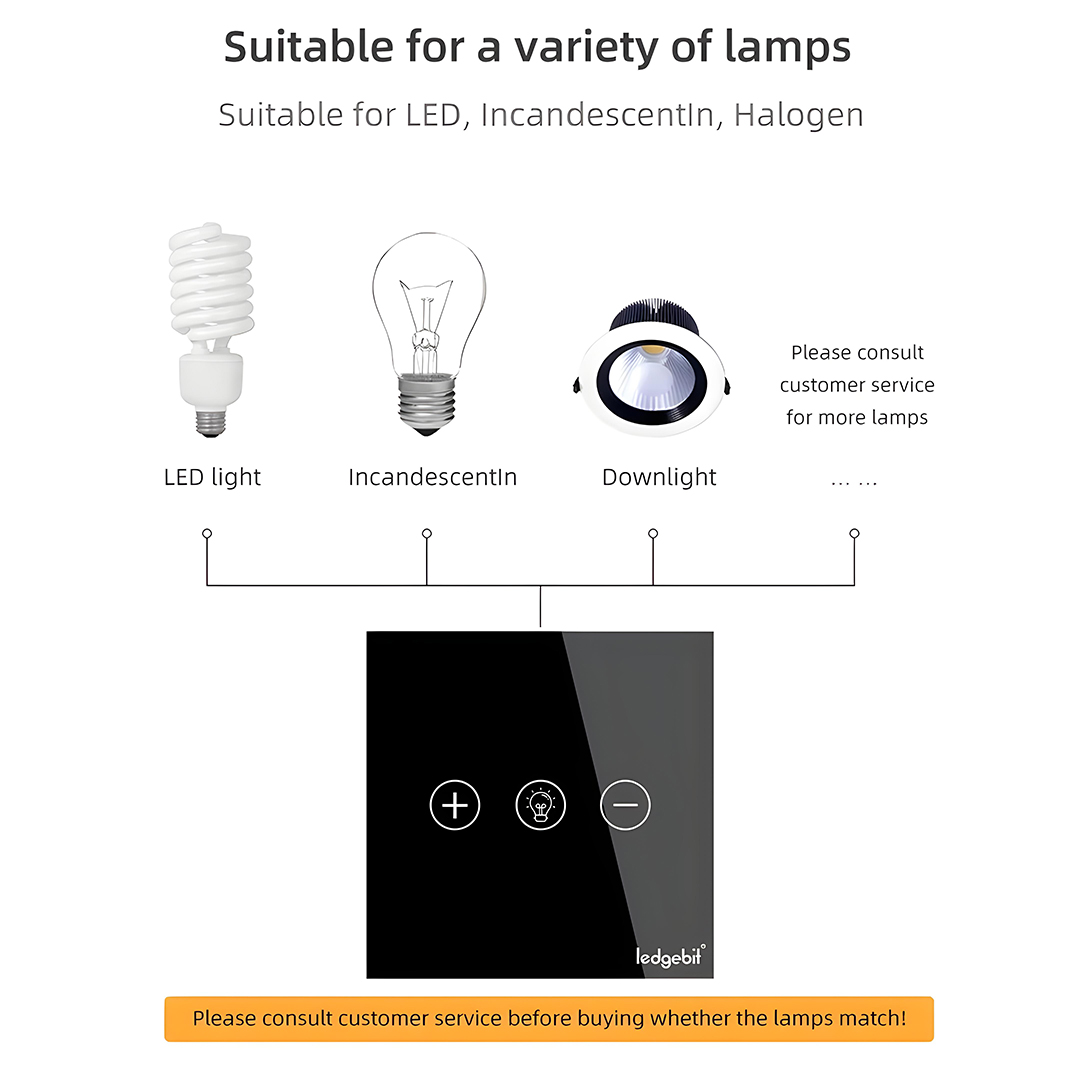
- Lamp Compatibility – Suitable for LED, incandescent, halogen and downlights
- Premium Design – Luxury tempered glass panel with scratch-resistant finish and metal frame
How to Set Up Your Smart Dimmer Switch
Follow the steps below to quickly and easily connect your new Smart Dimmer Switch:
1. Download the Smart Life App
Begin by downloading the Smart Life App from the App Store or Google Play Store.
2. Power On the Smart Dimmer Switch
Once powered on, the Smart Dimmer Switch will display a blinking circular light, indicating that it’s in pairing mode.
If the light does not blink or the switch doesn’t automatically enter pairing mode, simply press and hold any button until the light starts blinking.
3. Add the Device in the App
Open the Smart Life App.
Tap the “+” icon in the top-right corner.
Select “Add Device.”
4. Detect the Smart Dimmer Switch
The app will take a few seconds to search for nearby devices.
5. Connect to Your Wi-Fi
Select the device and enter your correct Wi-Fi information.
The app will begin adding your device—this may take a few moments.
6. Complete Setup
Once you see the message confirming the device has been successfully added, your Smart Dimmer Switch is ready to use!
Description
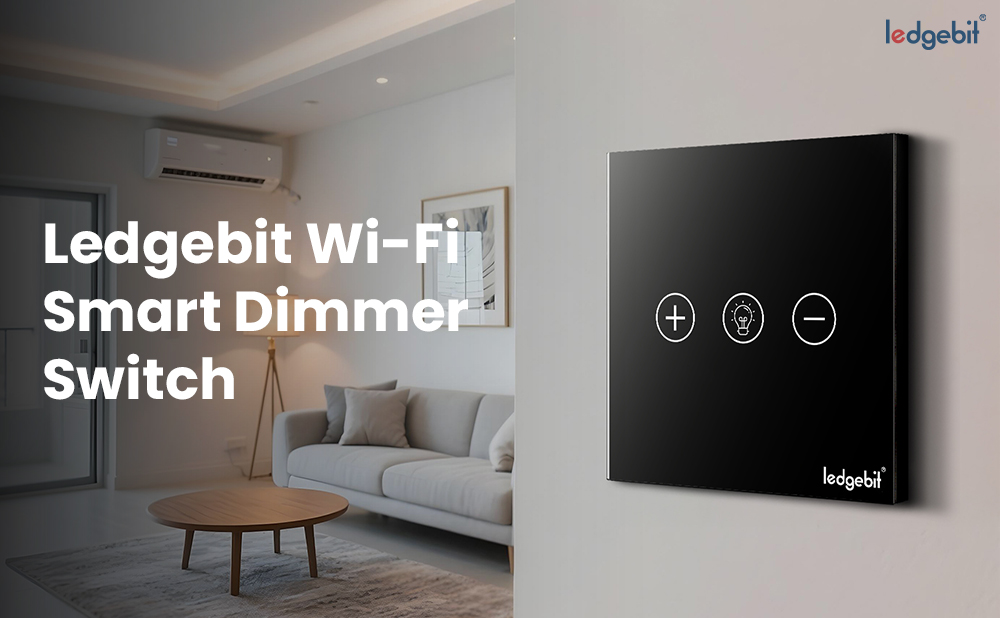
The Ledgebit WiFi Smart Dimmer Switch is a modern lighting control solution designed for style, convenience, and energy efficiency. Its tempered glass touch panel with a durable metal frame adds elegance to any interior while ensuring long-lasting performance.
With precise 1%–100% dimming control, you can easily set the perfect lighting for any occasion — from a soft night glow to full brightness for reading or work. Lights can be adjusted in three ways: directly from the touch panel, remotely through the Tuya / Smart Life mobile app, or by using voice commands with Amazon Alexa or Google Assistant.
The smart app offers advanced functions such as timers and countdowns, so your lights can automatically switch on or off at specific times. You can also create custom scene modes like “Home”, “Sleep”, “Entertainment”, or “Leaving Home” and activate them with a single tap, giving you complete control over your ambience.
Compatible with LED, incandescent, halogen, and downlights, this dimmer switch is versatile for different home and office setups. It connects directly to your 2.4 GHz WiFi network without the need for an additional hub, making installation simple.
Stylish, functional, and reliable, the Ledgebit Wi-Fi Smart Dimmer Switch brings intelligence and comfort to your everyday lighting.
To expand your setup, check out our full Smart Devices Collection or match it with products from the Smart Switches Collection.
Specifications
- Colour: Black
- Material: Polycarbonate (PC) with tempered glass panel
- Control Methods – Touch panel, Tuya / Smart Life app, Alexa & Google Assistant
- Dimming Range – 1% to 100%
- Wattage – 300W
- Voltage – 100-240V 50-60HZ
- Lamp Compatibility – LED, Incandescent, Halogen, Downlight
- Smart Functions – Timer, Countdown, Scene modes
- Connectivity: 2.4 GHz Wi-Fi
- Product Dimension: 8.5 x 8.5 x 3.5 cm
- Product Weight: 155 grams
- Certification: CE, RoHS