





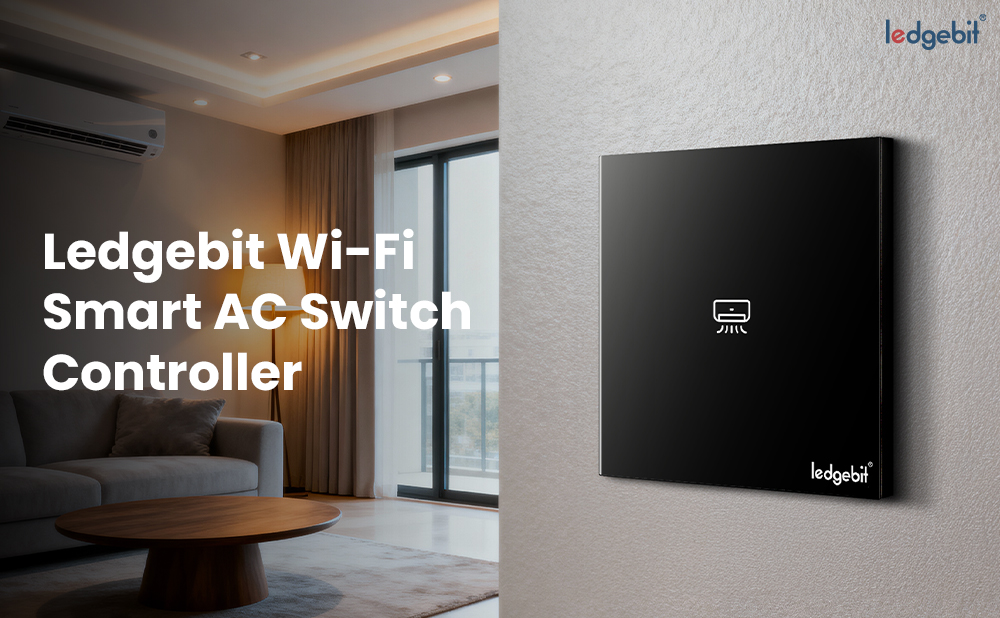
Ledgebit Wi-Fi Smart Air Conditioner Switch Controller

Download Product Manual
About the item
- High Power Capacity – Supports up to 16A, suitable for ACs, water heaters, and heavy appliances
- Wide Voltage Range – Works with 90–250V AC input at 50/60 Hz
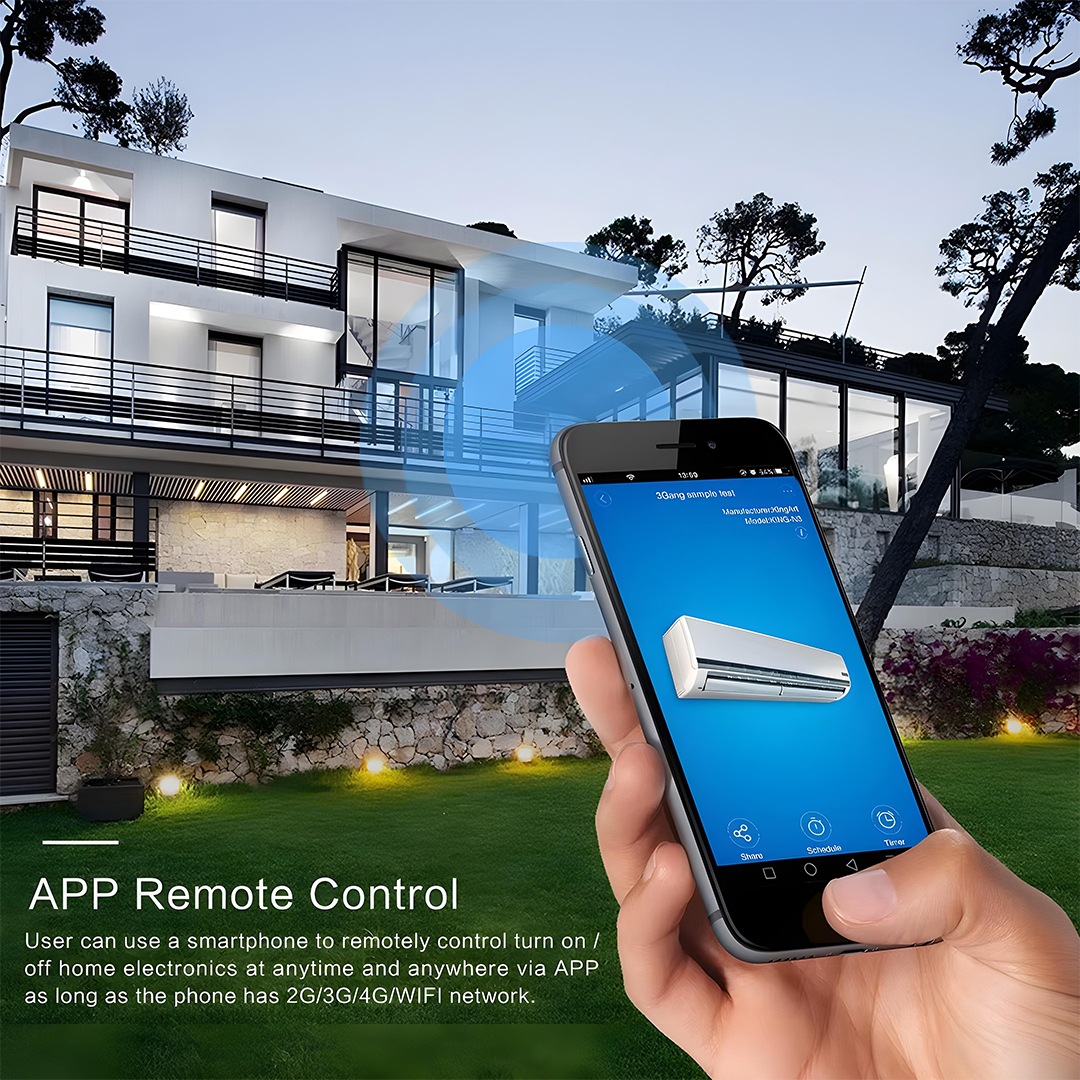
- Remote App Control – Control appliances via the Tuya / Smart Life app from anywhere
- Voice Assistant Integration – Works with Amazon Alexa and Google Assistant for hands-free operation
- Scheduling & Timer Functions – Set daily schedules, countdowns, and automation rules for energy savings
- Overload Protection – Automatically cuts power if load exceeds safe limits
- Secure Wireless Connectivity – Uses 2.4 GHz WiFi with WPA/WPA2 encryption
- LED Indicator – Clear ON/OFF status indicator for easy monitoring
- Durable Build – Fire-retardant, heat-resistant materials with strong terminals for heavy loads
- Easy Installation – Compact design suitable for wall switch boxes or panels
How to Set Up Your Smart AC Switch
Follow the steps below to quickly and easily connect your new Smart AC Switch:
1. Download the Smart Life App
Begin by downloading the Smart Life App from the App Store or Google Play Store.
2. Power On the Smart AC Switch
Once powered on, the Smart AC Switch will display a blinking AC light, indicating that it’s in pairing mode.
If the light does not blink or the switch doesn’t automatically enter pairing mode, simply press and hold the button until the light starts blinking.
3. Add the Device in the App
-
Open the Smart Life App.
-
Tap the “+” icon in the top-right corner.
-
Select “Add Device.”
4. Detect the Smart AC Switch
The app will take a few seconds to search for nearby devices.
5. Connect to Your Wi-Fi
Select the device and enter your correct Wi-Fi information.
The app will begin adding your device—this may take a few moments.
6. Complete Setup
Once you see the message confirming the device has been successfully added, your Smart AC Switch is ready to use!
Description
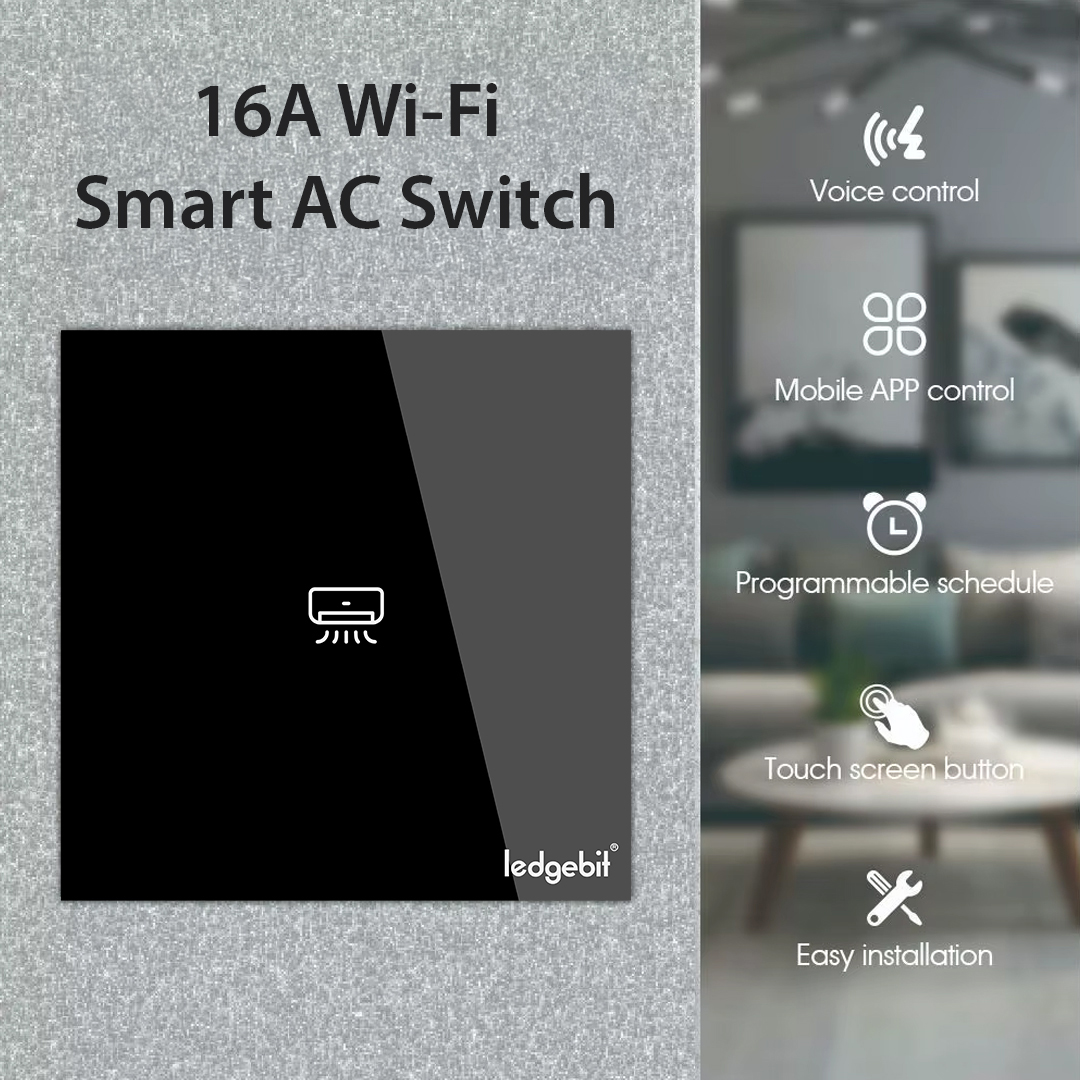
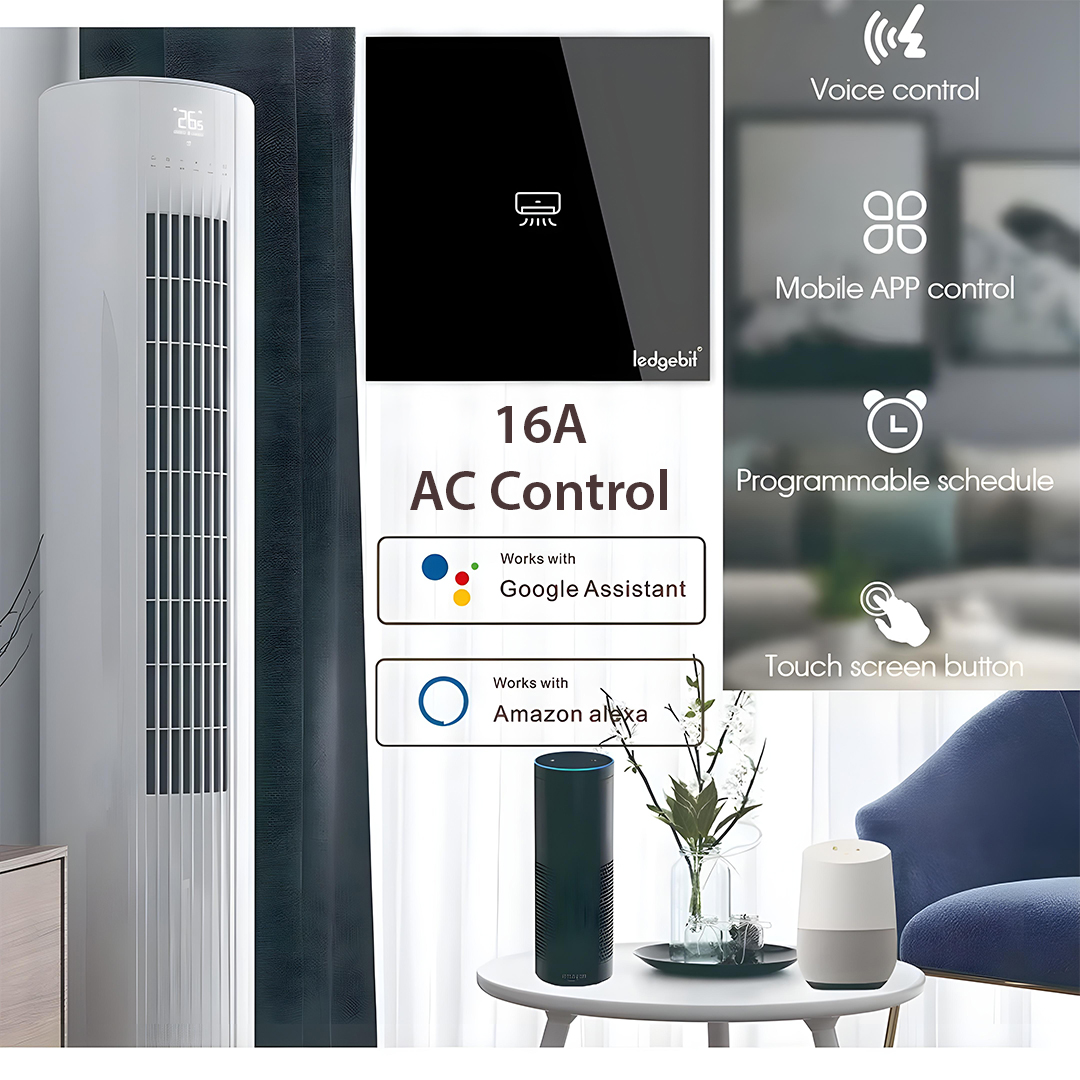
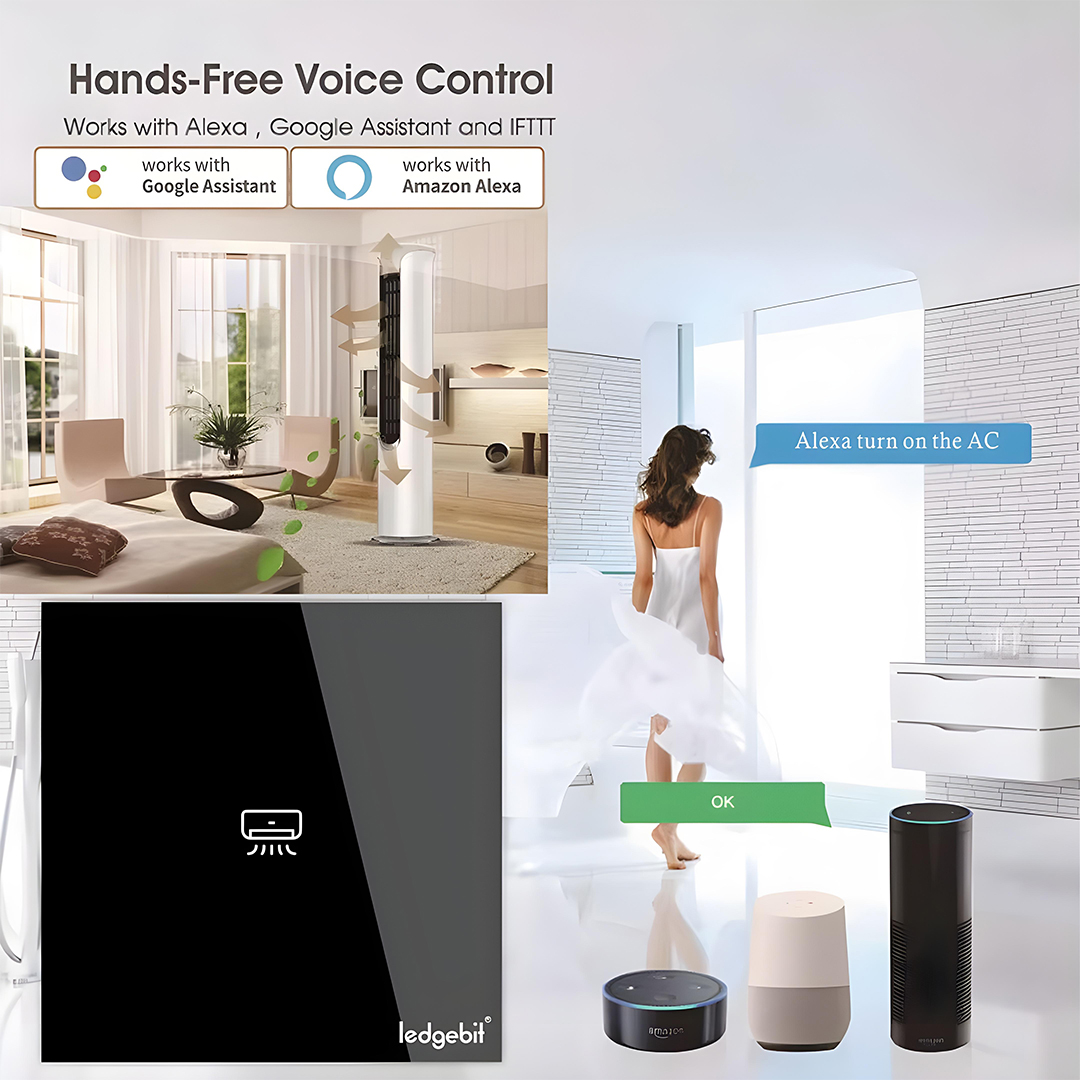
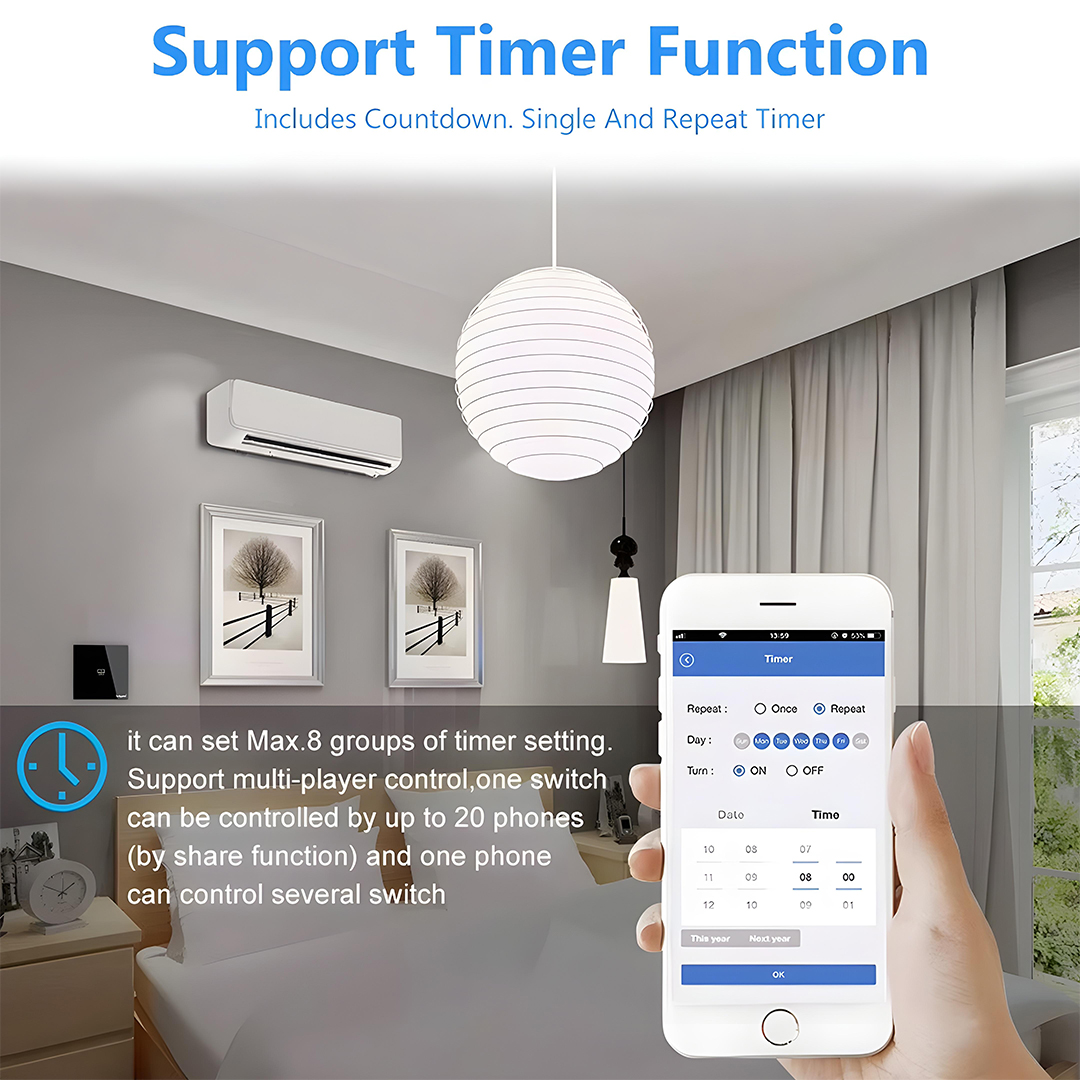
The Ledgebit WiFi Smart Air Conditioner Switch is a heavy-duty smart controller designed exclusively for air conditioning units. With the ability to handle up to 16A current, it ensures safe and reliable control of high-power AC systems.
Using 2.4 GHz WiFi, it connects to the Tuya / Smart Life app, enabling you to remotely turn your AC on or off, schedule cooling cycles, and monitor status from anywhere. The switch supports voice control via Amazon Alexa and Google Assistant, allowing you to operate your air conditioner hands-free.
Built with overload protection, the switch automatically shuts off in unsafe conditions, protecting both your appliance and wiring. Its heat-resistant, fire-retardant housing and robust terminals are specifically engineered to withstand the heavy electrical load of air conditioners.
Designed for easy installation and long-term durability, Ledgebit WiFi Smart Air Conditioner Switch uses heat-resistant, high-strength materials and robust terminals suitable for heavy current. It’s the perfect solution for upgrading your home or commercial space to intelligent, energy-efficient control.
To expand your setup, check out our full Smart Devices Collection or match it with products from the Smart Switches Collection.
Specifications
- Colour: Black
- Material: Polycarbonate (PC) with tempered glass panel
- Control Methods – Mobile App (Tuya / Smart Life), Voice (Alexa, Google Assistant), Scheduling & Timers
- Maximum Current – 16A
- Voltage – 90-250V AC, 50/60 Hz
- Security Protocols – WPA-PSK / WPA2-PSK
- Protection Features – Overload protection, auto shut-off safety mechanism
- Indicator – LED status light
- Operating Temperature – -10°C to 50°C
- Connectivity: 2.4 GHz Wi-Fi
- Product Dimension: 8.5 x 8.5 x 3.5 cm
- Product Weight: 155 grams
- Certification: CE, RoHS