





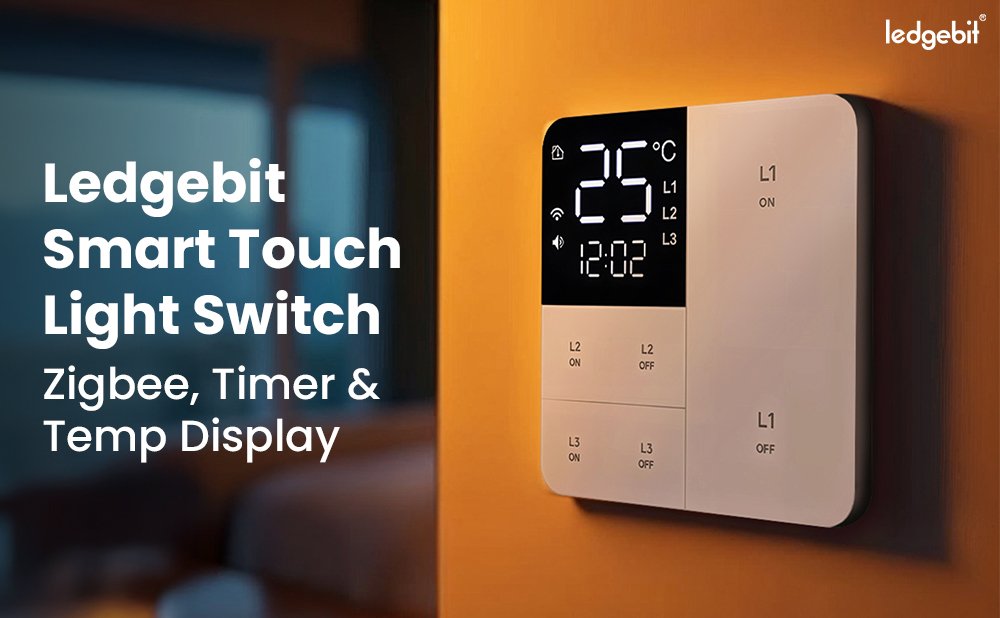
Ledgebit Smart Touch Light Switch – Zigbee

Download Product Manual
About the item
- Sleek Touch Design: Durable tempered glass panel in a modern white finish.
- App Control: Manage lights remotely via Tuya Smart & Smart Life App.
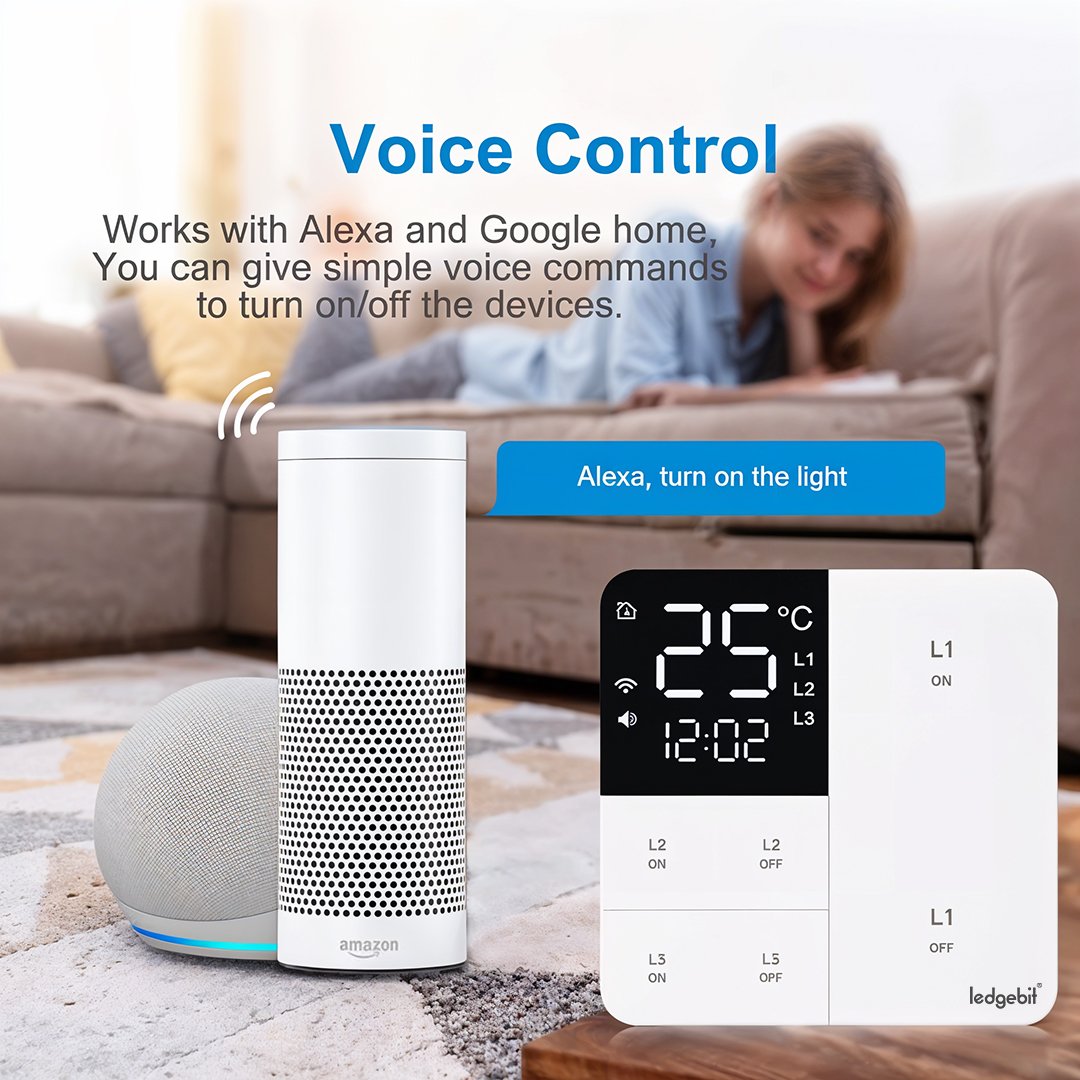
- Voice Control: Works with Alexa and Google Assistant for hands-free use.
- Time & Temp Display: Built-in display shows real-time clock and room temperature.
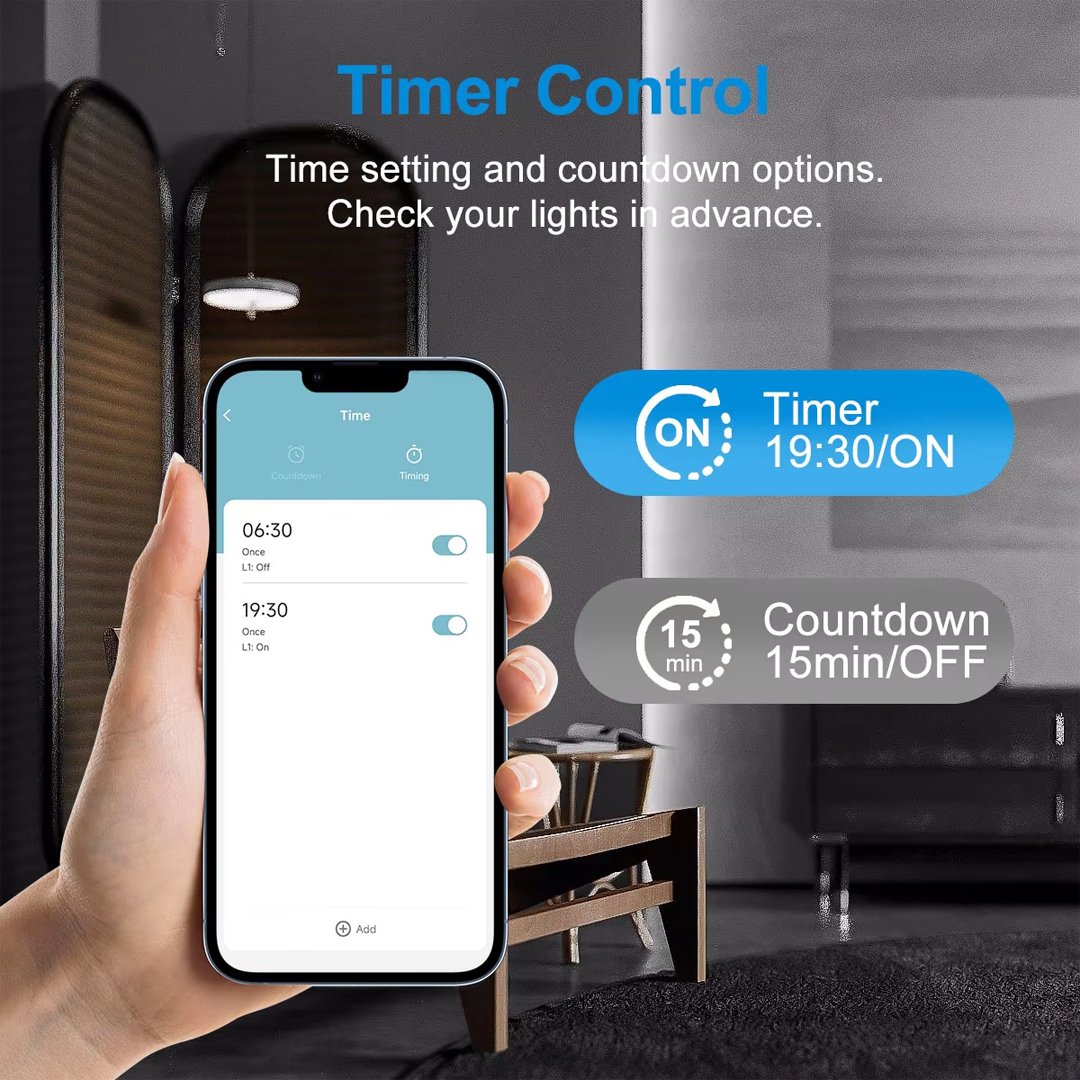
- Smart Scheduling: Set timers and routines for automation.
- Reliable Build: Supports 10A & AC100-250V.
How to Set Up Your Smart Wall Switch
Follow the steps below to quickly and easily connect your new Smart Wall Switch:
1. Download the Smart Life App
Begin by downloading the Smart Life App from the App Store or Google Play Store.
2. Power On the Smart Wall Switch
Once powered on, the Smart Wall Switch will display a blinking light, indicating that it’s in pairing mode.
If the light does not blink or the switch doesn’t automatically enter pairing mode, simply press and hold any button until the light starts blinking.
3. Add the Device in the App
-
Open the Smart Life App.
-
Tap the “+” icon in the top-right corner.
- Select your Zigbee Hub
-
Select “Add Device.”
4. Detect the Smart Wall Switch
The app will take a few seconds to search for nearby devices.
5. Connect to Your Zigbee Hub
The app will begin adding your device—this may take a few moments.
6. Complete Setup
Once you see the message confirming the device has been successfully added, your Smart Wall Switch is ready to use!
Description
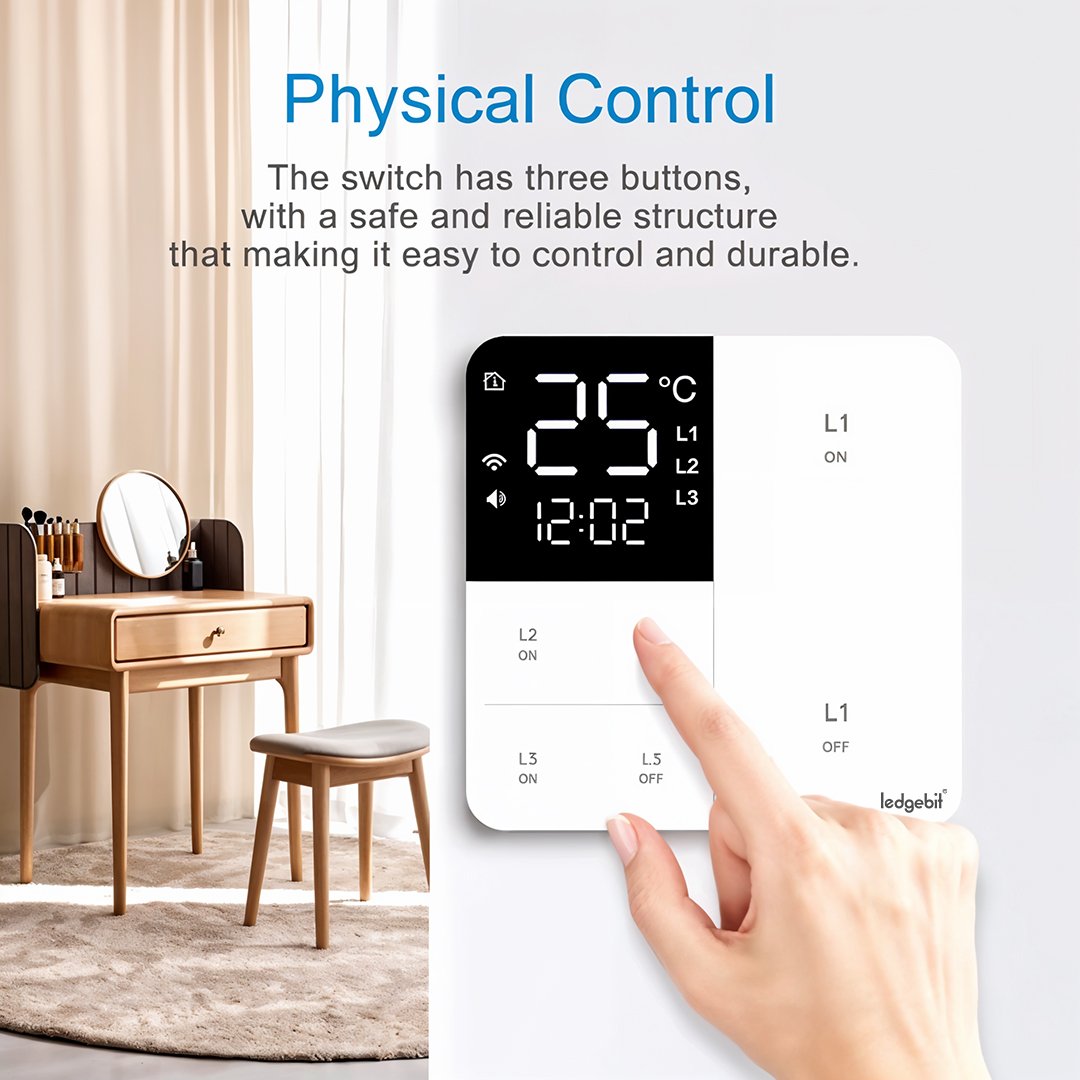
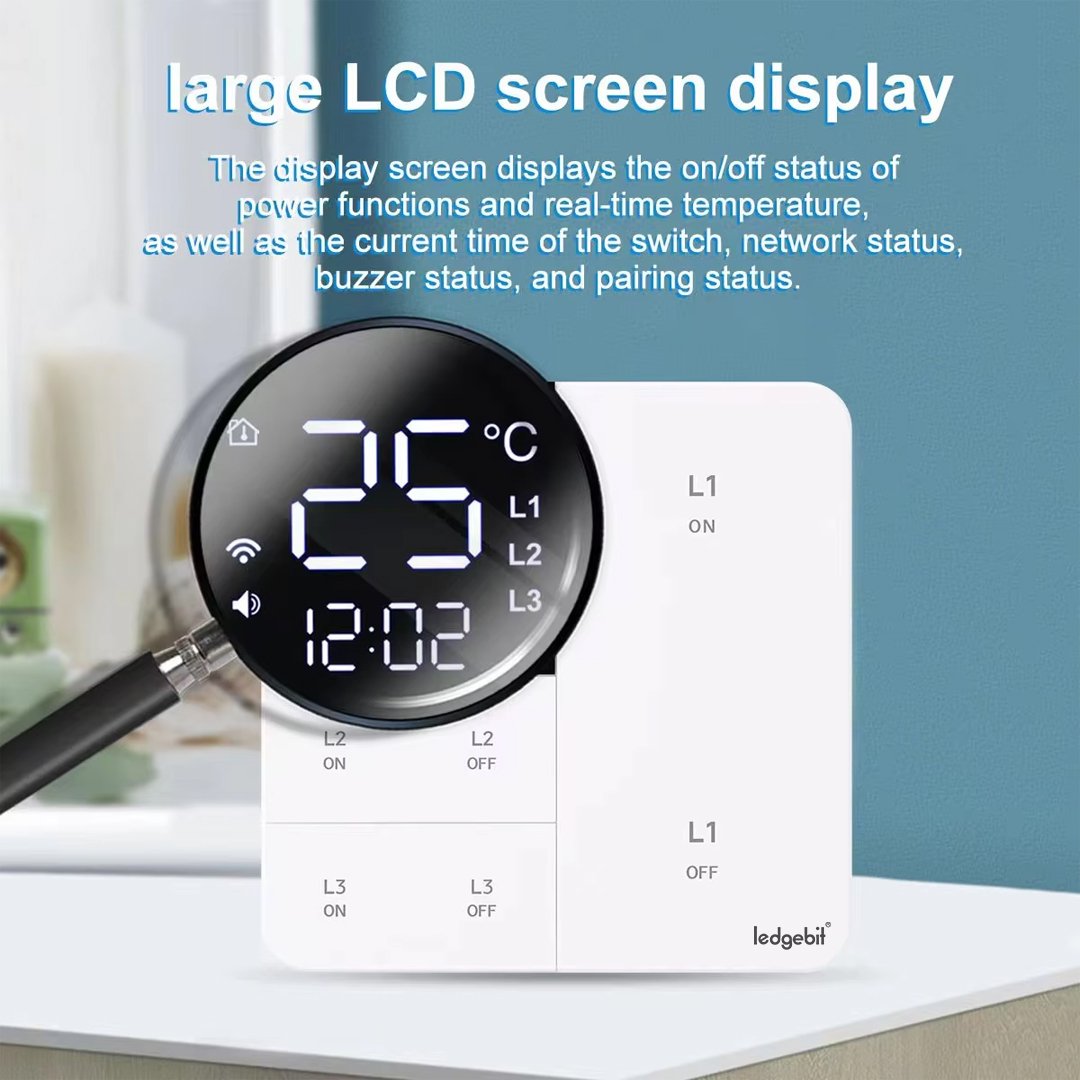
The Ledgebit Smart Touch Light Switch is a stylish and practical upgrade for any smart home. It combines Zigbee connectivity, a built-in timer, and a temperature display, all wrapped in a sleek touch panel. Best of all, it works without extra hubs—just connect to your Zigbee network and control it via the Smart Life or Tuya App.
The panel lets you tap to turn lights on or off, view the current room temperature, or set a countdown timer for lighting. With schedules and timers, the switch handles routine tasks like turning off bedroom lights at night automatically. No more worrying whether you left the lights on.
Voice control is easy thanks to Amazon Alexa and Google Home compatibility. Simply say commands like, “Alexa, turn off the lights,” for hands-free control.
Installation is seamless. It fits into any standard wall box and installs just like a regular switch.
Built with tempered glass and flame-retardant ABS+PC, this switch is safe, sleek, and made to last. You’ll enjoy a modern look, plus peace of mind about safety and durability.
This smart switch is ideal for bedrooms, living areas, kitchens, hallways, or offices—anywhere you want lighting that’s both smart and simple. The combination of a timer and temperature display makes it more useful than basic smart switches.
To complete your smart setup, pair it with other devices from our Smart Switches Collection or explore more useful tools in our Smart Devices range.
In short, the Ledgebit Smart Touch Light Switch brings together style, convenience, and intelligence in one easy-to-use panel—making your home smarter without the complexity. Let me know if you’d like the schema markup or meta tags next!
Specifications
- Connectivity: Zigbee
- Operation Mode: ON-OFF-ON
- Current Rating: 10 Amps
- Voltage: AC100-250V
- Contact Type: Normally Open
- Connector Type: Clamp
- Terminal: Screw
- Contact Material: Brass
- Colour: White
- Control Methods: Touch, App, Voice
- Display: Time & Temperature
- Gang: 1/2/ 3
- Product Dimension: 8.5 x 8.5 x 3.5
- Gang: 127 grams